Scenario Experience

Join CommunityConnect with users →
Join AskTable Community


Feishu
Choose your preferred way to join

Contact UsGet professional support →


Alibaba Cloud OffersScan for offers →

Scenario Experience
Feishu
Choose your preferred way to join
Here is a Python-first walkthrough: install AskTable, connect MySQL, and query with natural language—in three steps.
(If you use SaaS, skip this.)
Docs: https://docs.asktable.com/deploy/docker
After install, sign in with the default account, open Project settings, create an API key, and keep it handy.
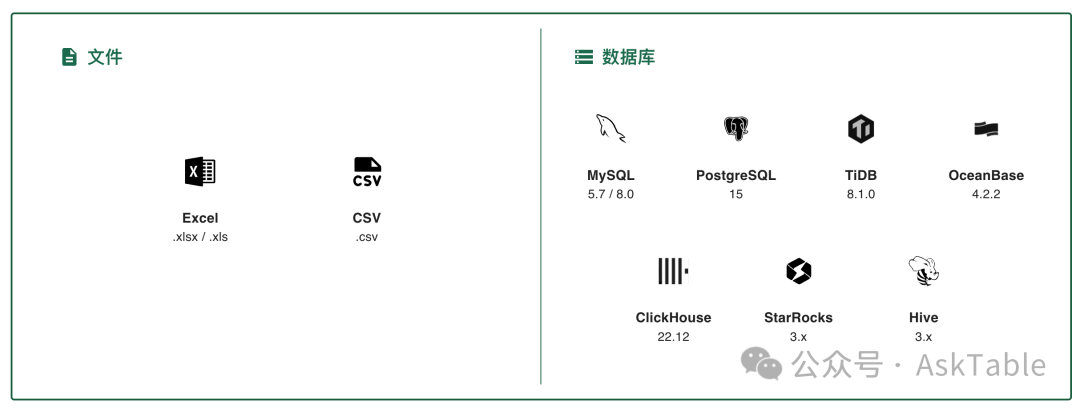
Use the web UI:
Install the Python SDK:
pip install asktable
Query with a few lines:
from asktable import Asktable

# Initialize the client
at = Asktable(api_key="<ASKTABLE_API_KEY>")

# Datasource ID and question
datasource_id = "<YOUR_DATASOURCE_ID>"
question = "How many users registered today?"

# Run the query
answer = at.answers.create(
    datasource_id=datasource_id,
    question=question
).answer

print(answer.text)
sql = at.sqls.create(
    datasource_id=datasource_id,
    question=question
).query

print(sql.prepared_statement)
No coding required. Ask questions in natural language and AI generates SQL queries and visualizations automatically.
Start your free trial now and experience AI-powered data analysis with AskTable.

